

Short answer: Open the browser access link in Safari or Chrome on the device — it works with nothing installed. Turn the device landscape, use the on-screen keyboard from the session menu, and tap-and-hold for a right click. For anything more than a quick job, install the free Windows App instead.
Applies to: Phone and tablet browsers · iOS, iPadOS, Android · Infosaic cloud desktops
Browser access on a phone is the emergency exit. It needs no app, no store account and no permission from an IT department, which makes it exactly the right tool when you are away from your desk and something needs looking at now.
It is not where you want to spend an afternoon. Below is how to make it comfortable enough for the ten minutes you actually need it, and when to switch to the app instead.
How do I open my cloud desktop on a phone?
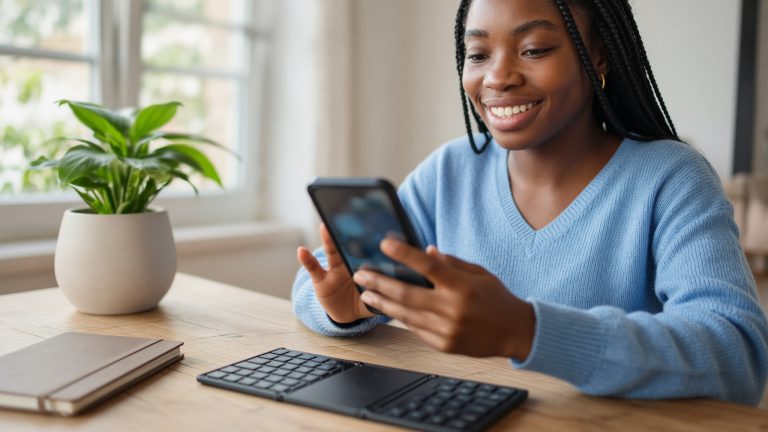
- Open Safari or Chrome and sign in to your control panel.
- Tap the browser access link. Your Windows desktop appears.
- Turn the device sideways. Windows is built for a landscape screen and portrait wastes most of it.
- Add the control panel to your home screen so the next time is one tap.
If the page keeps signing you out, check that private browsing is off — some private modes discard the session cookie as soon as you switch apps.
Touch gestures and the keyboard
- Tap is a left click.
- Tap and hold is a right click — how you reach Windows context menus.
- Two fingers scroll; pinch zooms in on anything small.
- Swipe in from the left edge to open the session menu, the touch equivalent of Ctrl+Alt+Shift.
- In that menu you will find the on-screen keyboard — the one with Ctrl, Alt, Esc and the function keys your phone keyboard does not have.
A small Bluetooth keyboard changes the experience completely. Folding keyboards pack down to phone size and turn typing from a chore into something ordinary.
Do not let the screen lock mid-task. When a phone sleeps, the browser tab is often suspended and the session drops. Nothing is lost — your programs keep running on the desktop — but you will have to reconnect. Raise the auto-lock time before a longer job.
When to use the app instead
The free Windows App is better in almost every way that matters on a small screen: a proper mouse pointer, a dedicated key row, sound, and a session that survives switching apps.
Keep browser access as the fallback for a borrowed device, or for a network that blocks the RDP port.
Questions and answers
Can I use my cloud desktop from a phone browser?
Yes. Open the browser access link in Safari or Chrome and the desktop appears with nothing installed.
How do I right-click on a touch screen?
Tap and hold. That is how you reach Windows context menus in a browser session.
Where is the on-screen keyboard?
In the session menu, reached by swiping in from the left edge. It has Ctrl, Alt, Esc and the function keys a phone keyboard lacks.
Why does the session keep dropping on my phone?
The screen locking suspends the browser tab. Increase the auto-lock time. Nothing is lost when it happens; reconnect and your programs are still open.
Should I use portrait or landscape?
Landscape, always. Windows dialogs are laid out for width and portrait wastes most of the screen.
Can I use a Bluetooth keyboard with a browser session?
Yes. Pair it with the device first and it types into the session normally. A folding keyboard makes a phone genuinely usable.
Is the app better than the browser on mobile?
Yes for anything sustained, because it adds a real pointer, an extra key row and sound. Keep the browser as the fallback.
Does browser access work on a phone with sound?
No. Browser sessions carry no audio on any device. Use the app if you need to hear anything.
Related articles
- Zoom and scaling: making your browser session readable
- The hidden menu: press Ctrl+Alt+Shift in your browser session
- What browser access cannot do (and what to use instead)
- Disconnect or sign out? What happens to your cloud desktop
Still stuck?
Open a support request from your control panel — that is the fastest route, because it reaches the team who can already see your account and your desktop. You can also email [email protected].